

ในช่วง 2-3 วันที่ผ่านมา หลายคนน่าจะเห็นเทรนด์ใหม่บนโซเชียลที่กำลังมาแรง นั่นก็คือการนำภาพถ่ายของตัวเองไปแปลงเป็น “โมเดลฟิกเกอร์” หรือโมเดลของเล่นในแบบที่คุ้นเคยกัน ซึ่งบอกเลยว่าไม่ยากอย่างที่คิด เพราะตอนนี้ Google Gemini มีฟีเจอร์ใหม่ที่ช่วยสร้างภาพโมเดลได้อย่างสมจริงและเนียนตา โดยใช้เพียงแค่ Prompt สั้น ๆ เท่านั้น
วิธีสร้างโมเดลฟิกเกอร์จากภาพถ่าย ด้วย AI Google Gemini
อันที่จริงการสร้างภาพโมเดลฟิกเกอร์จากรูปถ่าย สามารถทำได้กับ AI หลากหลายแพลตฟอร์ม ไม่ว่าจะเป็น ChatGPT, Lmarena, Grok หรือแม้แต่แอปพลิเคชัน BeautyPlus แต่จากการทดสอบแล้ว พบว่า Gemini ของ Google ให้ผลลัพธ์ที่รวดเร็ว คมชัด และเป็นธรรมชาติมากที่สุด
ในวิธีที่เราแนะนำ เราจะใช้งานฟีเจอร์ AI ใหม่ของ Google ที่ชื่อว่า Nano – Banana ซึ่งเป็นเครื่องมือช่วย Generate ภาพใน Gemini 2.5 Flash Image โดยมีขั้นตอนดังนี้
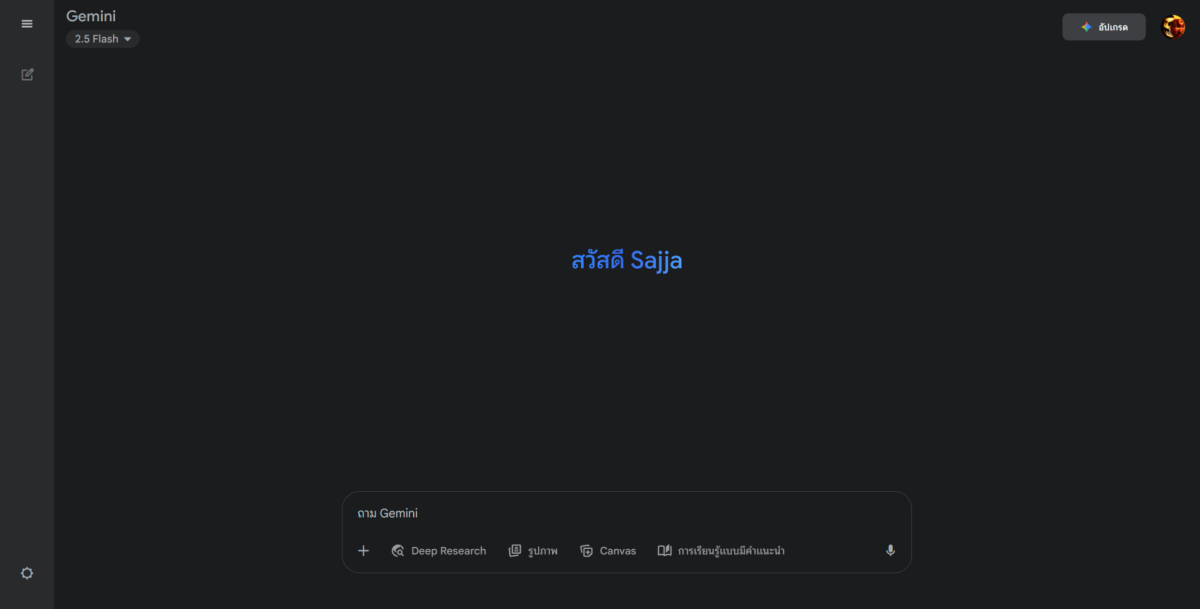
ขั้นตอนการสร้างโมเดลฟิกเกอร์
- เข้าไปที่ Gemini โดยใช้ได้ทั้งบนเว็บไซต์ และบนแอปในมือถือ
- เลือกรูปที่ต้องการ เน้นให้เห็นตัวแบบชัดๆ จะครึ่งตัวหรือเต็มตัว หรือเป็นวัตถุที่ต้องการได้
- พิมพ์คำสั่ง Prompt ดังนี้
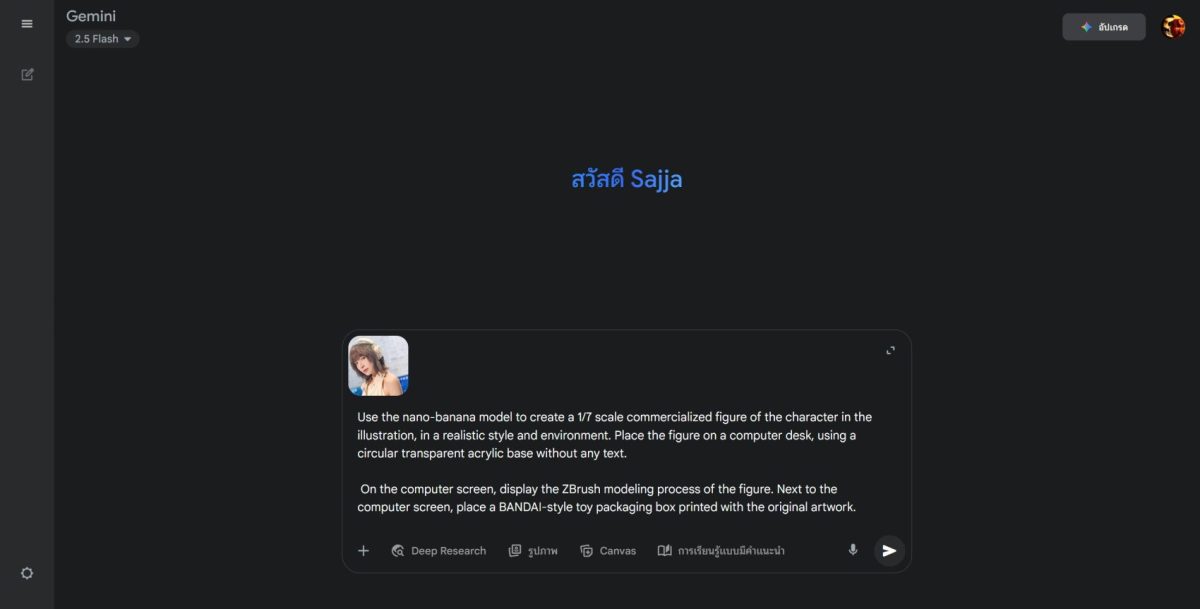
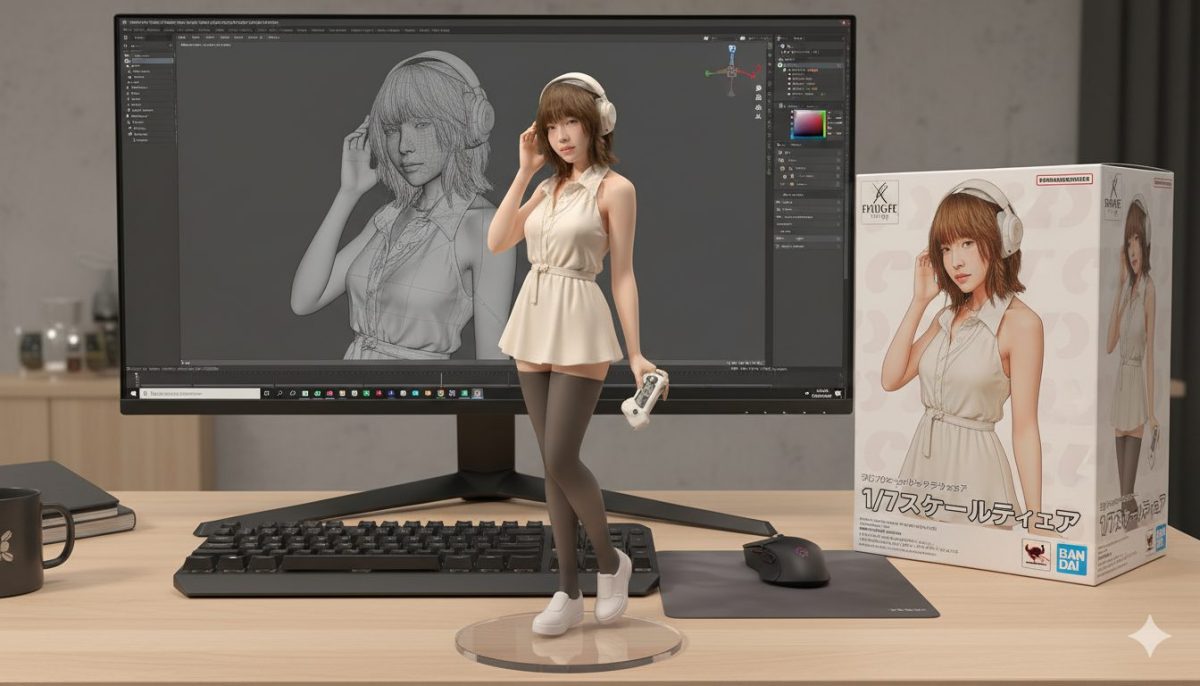
Use the nano-banana model to create a 1/7 scale commercialized figure of the character in the illustration, in a realistic style and environment. Place the figure on a computer desk, using a circular transparent acrylic base without any text.
On the computer screen, display the ZBrush modeling process of the figure. Next to the computer screen, place a BANDAI-style toy packaging box printed with the original artwork.
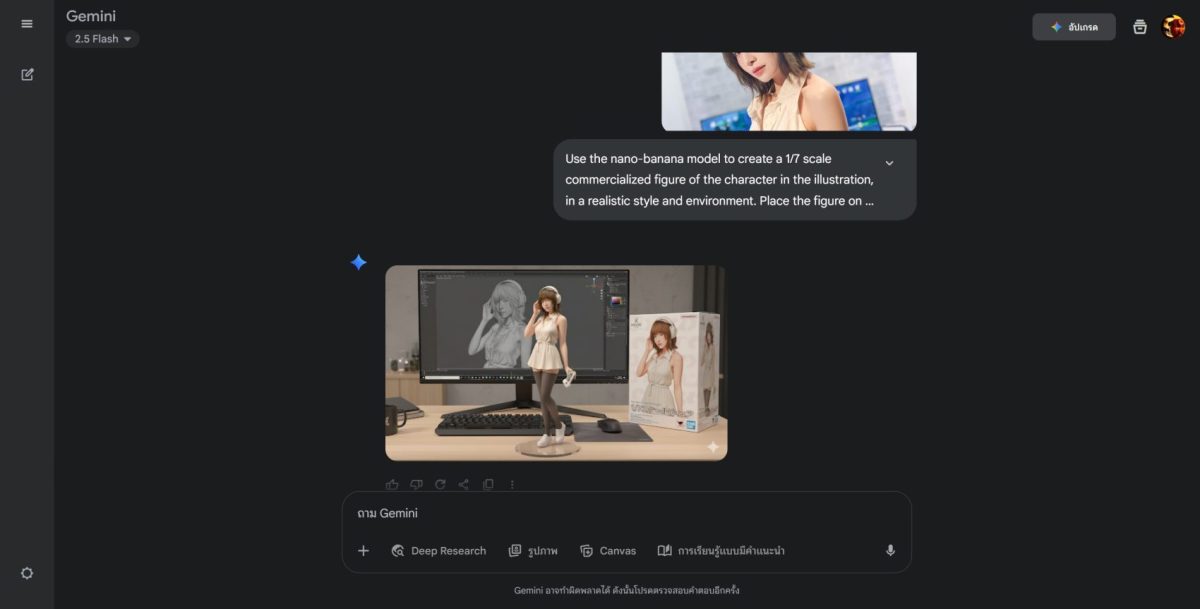
เมื่อกด Generate แล้ว ภาพที่ได้จะออกมาเป็นโมเดลฟิกเกอร์สวย ๆ พร้อมฉากหลัง
ปรับแต่ง Prompt ให้ได้โมเดลที่ไม่เหมือนใคร
แน่นอนตัวคำสั่ง Prompt ไม่ได้จำกัดว่าต้องเป็นแบบเดียวเท่านั้น ผู้ใช้งานสามารถปรับแก้ได้ตามต้องการ เช่น
- ปรับสเกลของฟิกเกอร์: จาก 1/100 scale เป็น 1/7 scale, 1/12 scale, หรือ Nendoroid-style chibi scale
- ปรับสไตล์ของฟิกเกอร์: จาก realistic style เป็น Anime PVC figure style, LEGO minifigure style, หรือ Hot-Toys hyper-realistic style
- ปรับฉากหลังและฐาน: เปลี่ยนจากโต๊ะคอมเป็นชั้นโชว์ หรือเปลี่ยนวัสดุฐานจากใสเป็นดำเงา
ตัวอย่าง Prompt แบบปรับแต่ง
ปรับสไตล์ของฟิกเกอร์เป็น Chibi / Nendoroid Style
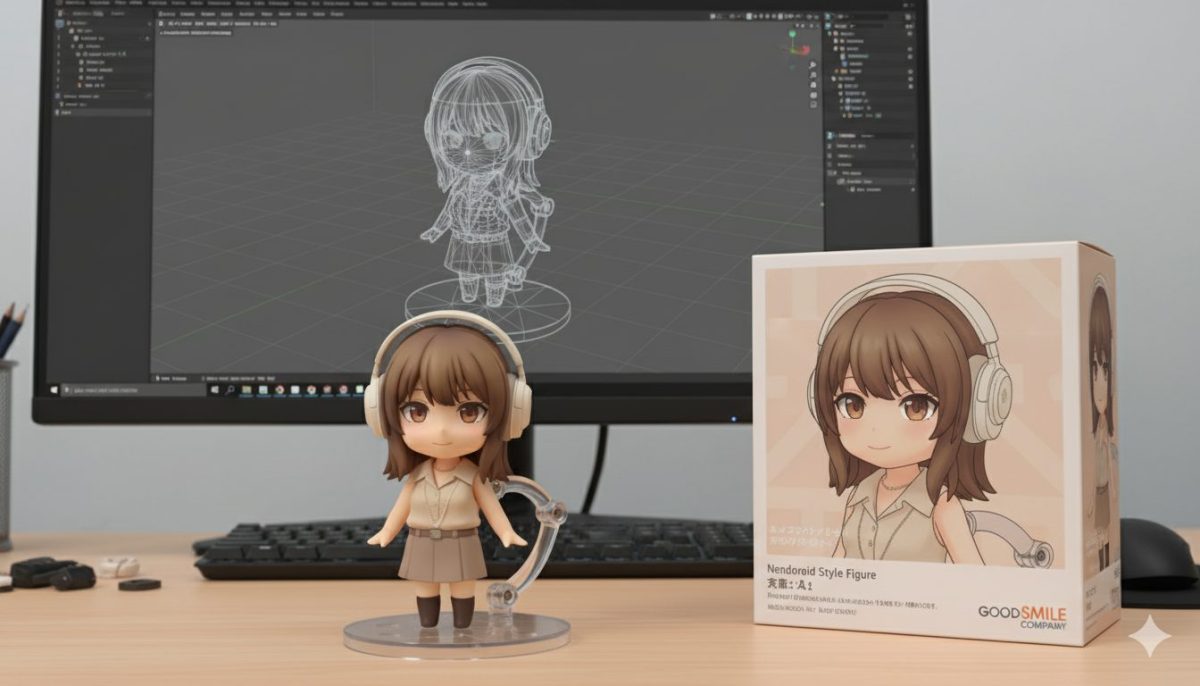
Use the nano-banana model to create a 1/12 scale chibi figure of the character in the illustration, styled like a Nendoroid toy. Place the figure on a transparent acrylic base with a jointed support arm, on a computer desk. On the computer screen, display the Blender viewport of the figure. Next to the computer screen, place a Good Smile Company–style toy packaging box printed with the original illustration.
ปรับองค์ประกอบของฉาก เป็น ชั้นวาง
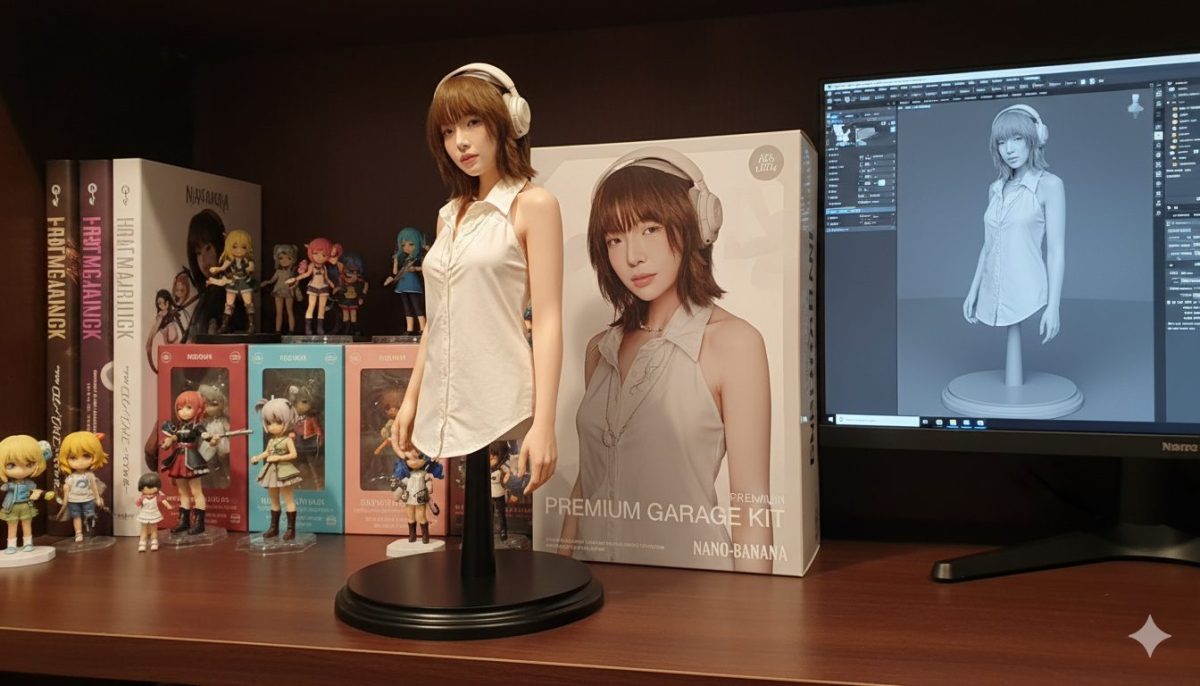
Use the nano-banana model to create a 1/6 scale collectible figure of the character in the illustration, styled like a premium garage kit. Place it on a glossy black base without text, set on a wooden display shelf surrounded by other collectible figures and art books. On the nearby computer monitor, show the Substance Painter texturing process of the figure. Next to the monitor, place a collector-style packaging box decorated with the original artwork.
เพียงเท่านี้คุณก็สามารถสร้างภาพโมเดลฟิกเกอร์ในแบบที่ไม่เหมือนใครได้ง่าย ๆ แถมยังสนุกกับการปรับแต่งสไตล์ตามใจชอบอีกด้วย
Google อัปเดตให้ผู้ใช้แชร์ภาพกับ Gemini ได้แล้ว พร้อมเปิด Gemini Nano
Google เพิ่ม Gemini ในแผงด้านข้าง Gmail เพื่อให้ AI ช่วยจัดการอีเมล์ได้
